Google Business Profile · 8 min read
How to Optimize a Google Business Profile
A step-by-step guide to categories, hours, services, photos, reviews, links, and the business facts customers see on Google.
Updated August 18, 2026 · Written by Nephew
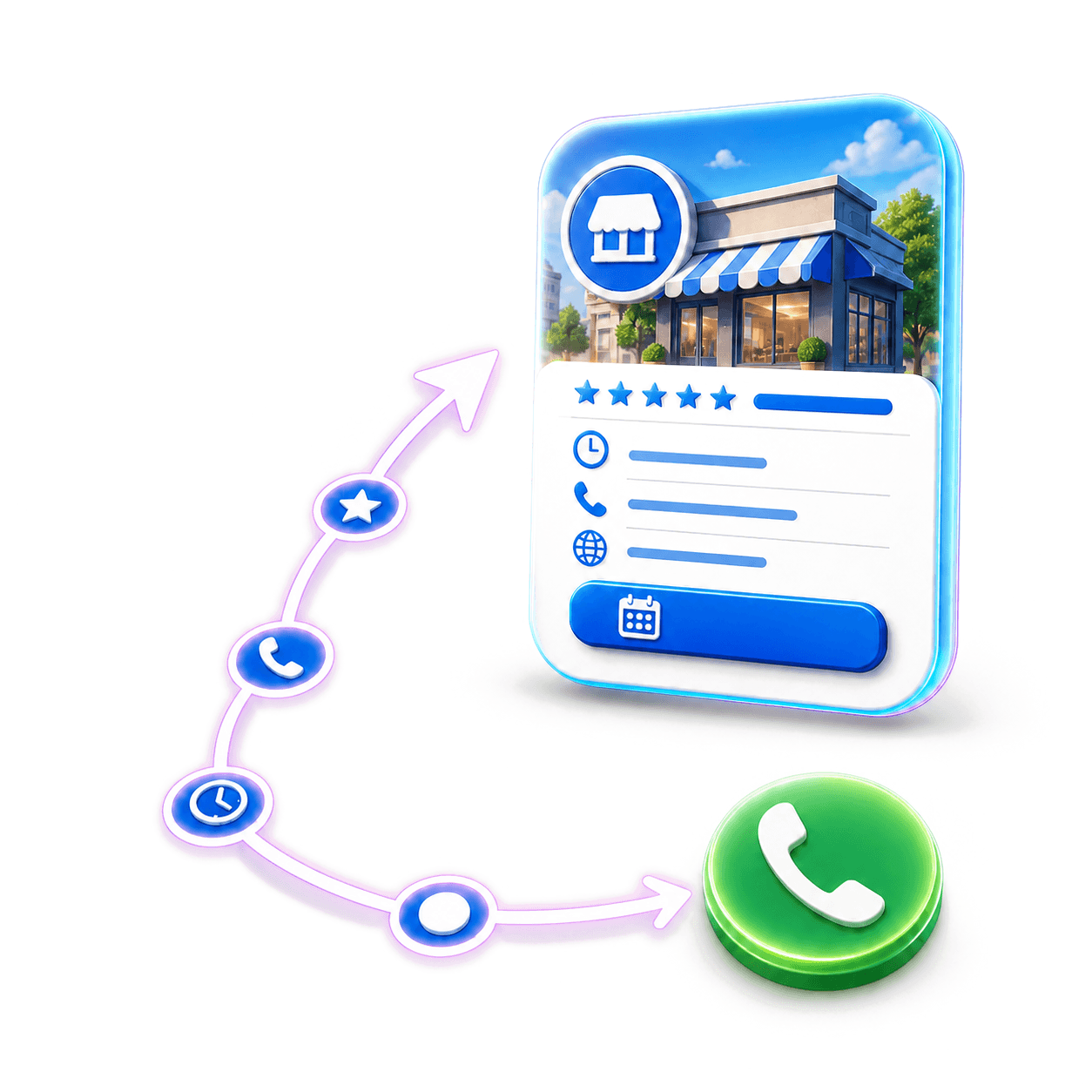
Google Business Profile optimization means keeping the business information complete, correct, useful, and fresh. It can help customers understand the business and can support local visibility, but no one can promise a ranking.
Fix the core facts
Check the name, address, phone, website, hours, holiday hours, and service area. Match the important facts on the website and trusted listings.
Do not add keywords to the business name unless they are part of the real-world name.
Choose categories and services
Pick the closest true main category, then add true extra categories. List the services customers can actually buy.
Use plain service names and useful descriptions. Do not list work the business does not offer.
Add proof and an easy next step
Use current photos of the place, team, work, products, or experience. Add the right call, website, menu, order, or booking link.
Ask for honest reviews and reply with care. Keep sensitive details private.
Review changes and results
Google, customers, and other sources can suggest edits. Check the profile often so wrong hours or services do not stay live.
Measure calls, messages, bookings, directions, and sales when possible. A complete profile should help a customer act, not only look.
Sources
Put this into practice
See how Nephew can do this work for your business.
Keep reading